One engineering memory for your whole team.
Shared workspaces, roles, shared Runtime Credits, team-wide Replay and Ask Runtime — everyone building with AI contributes to the same searchable history.
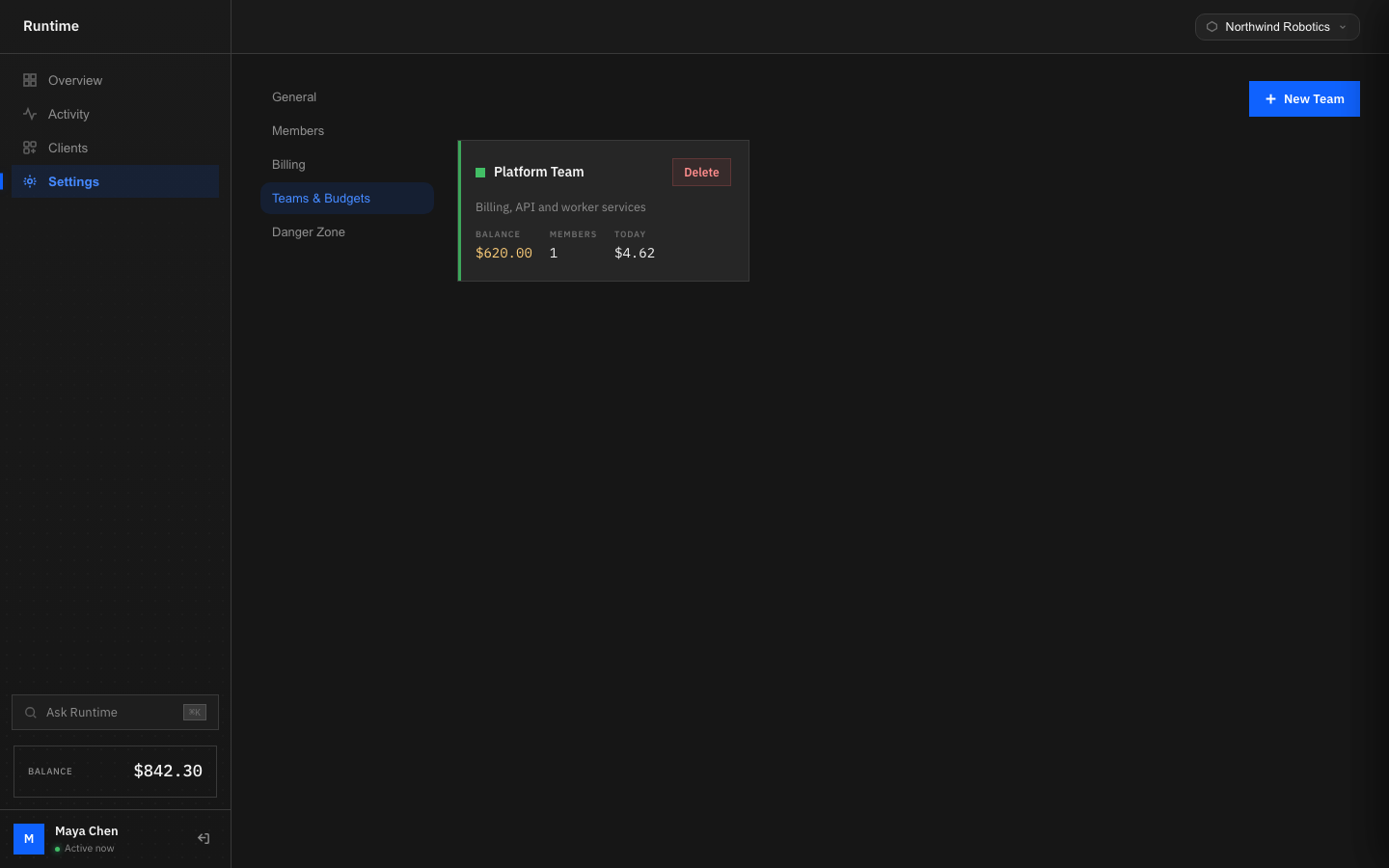
Everything a team needs to share memory.
Shared workspaces
Every teammate connects their AI clients into one workspace. All sessions land in the same searchable engineering memory.
Members
Invite teammates by link or email. See who is active and which tool they are using, right now.
Roles
Owners and admins manage billing, members and workspace settings. Everyone else just builds.
Shared Runtime Credits
One wallet for the whole workspace, with per-team budgets and full transaction history.
Team Replay
Replay any teammate's session to understand exactly how a feature was built — not just what changed.
Ask Runtime
Ask questions across the whole team’s engineering history, not just your own sessions.
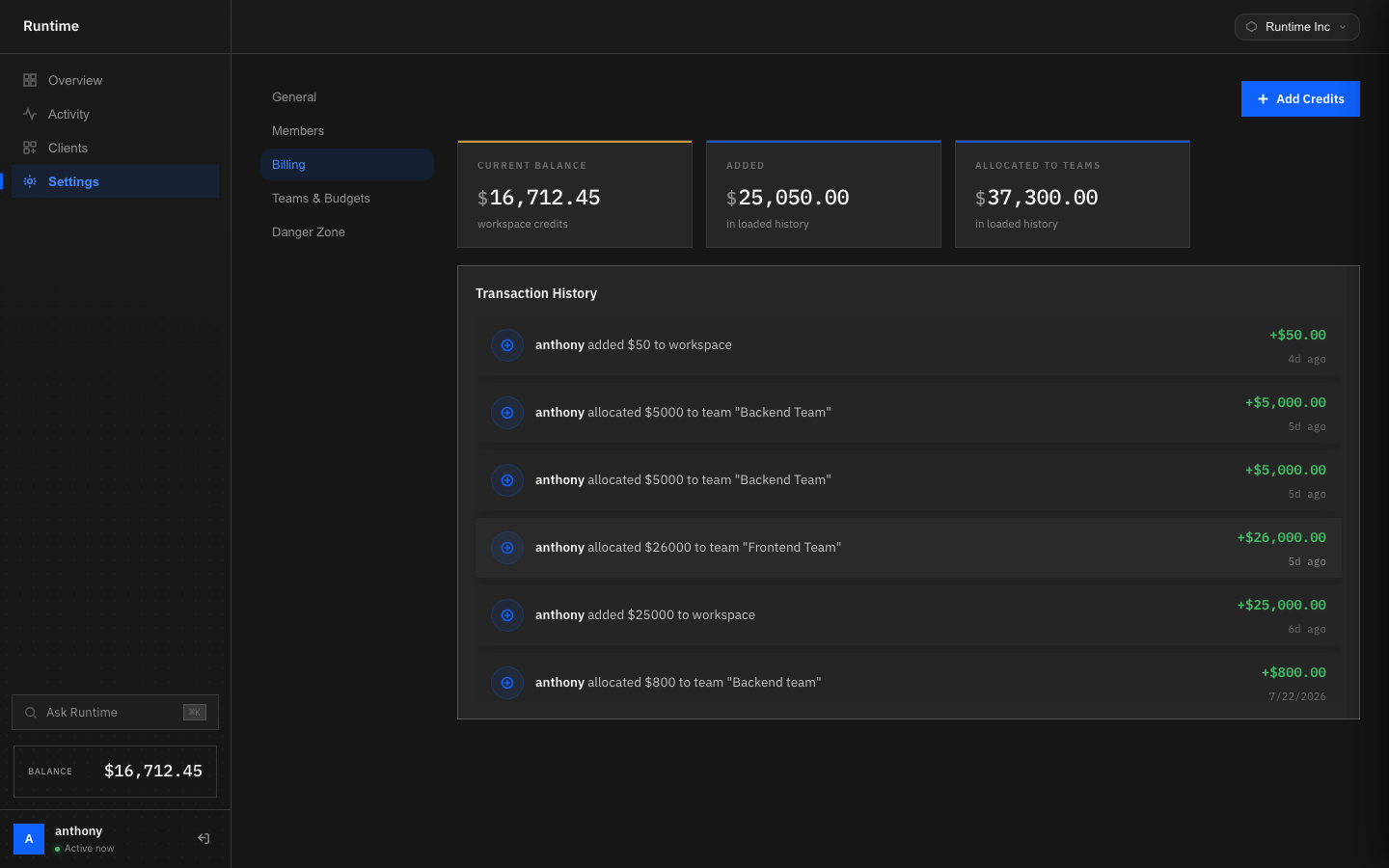
Allocate budget by team, not by guesswork.
Fund the workspace once, then allocate Runtime Credits to individual teams. Every allocation and every spend event lands in the same transaction history.
- One workspace wallet
- Per-team budget allocation
- Full transaction history
- Spend visible by engineer
Bring your whole team's memory together.
Create a shared workspace, invite your team, and turn every session across every teammate into one searchable engineering memory.